TL;DR: WhatsApp, Facebook groups, and iCloud were never built as a private family photo sharing app, they were built for messaging, socializing, and syncing devices. Photos get compressed, buried, or capped. A tool built specifically for family photos avoids all three problems at once.
Most families do not choose a photo app on purpose. They just end up using whatever is already open. A WhatsApp group, a Facebook family group, an iCloud shared album, whichever one is already installed and everyone already has. None of those tools were built for what a family actually needs. A family needs a simple, growing, private record of everyday life, not a side feature of something else.
WhatsApp groups: a private family photo sharing app it is not
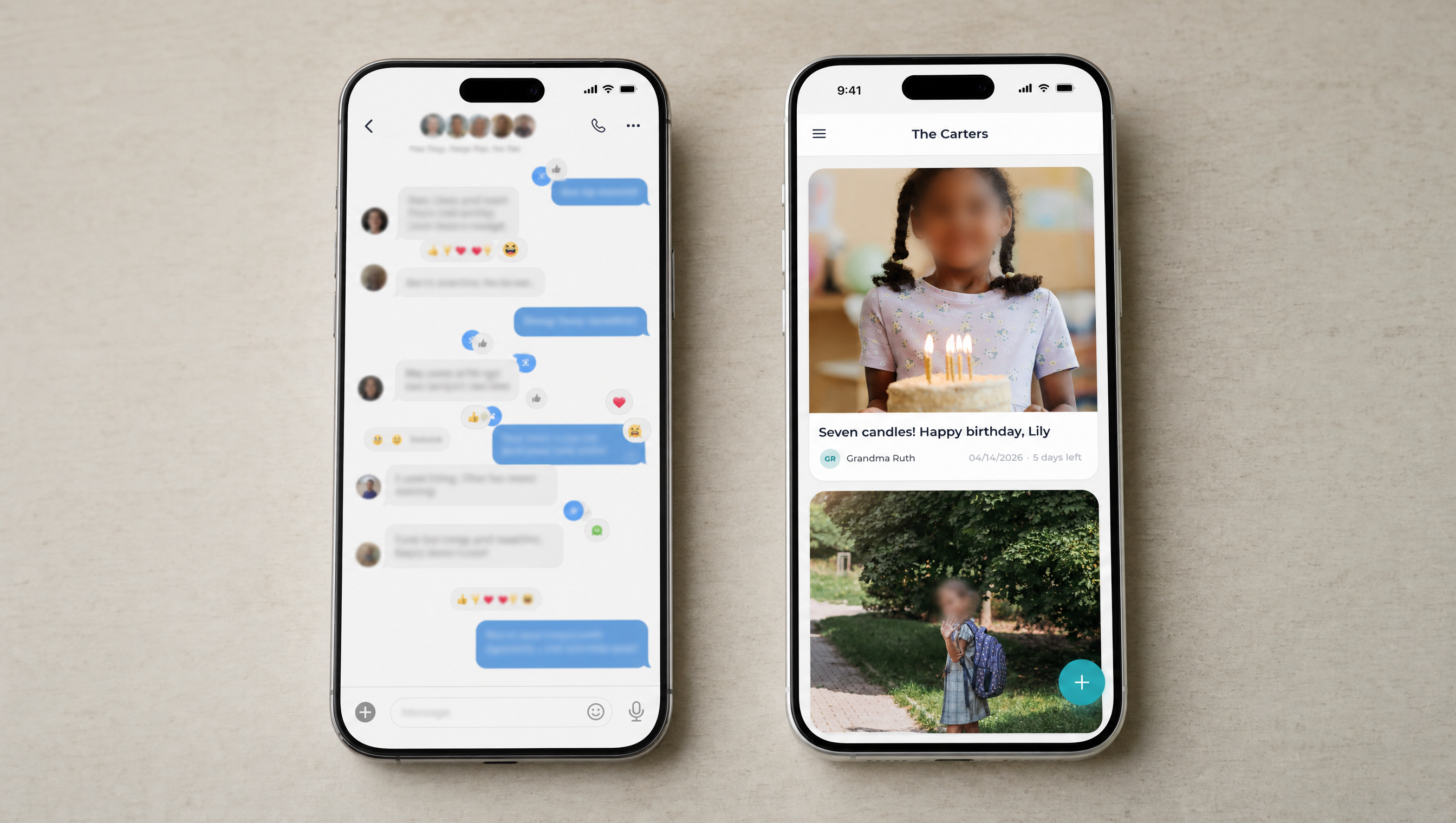
A WhatsApp group works well for “we’re running 10 minutes late.” It works much worse as a family photo archive. Photos get compressed on send, so quality drops with every forward. History scrolls away fast once the group gets chatty. Last month’s photos of the kids end up buried under logistics about Sunday dinner. Groups also top out at 1,024 members, which will never be the problem for a family, but says a lot about what the feature was actually designed for.
Facebook groups: an ad business first, a photo album second
A Facebook group solves the “everyone can see it” problem. But it comes with the rest of Facebook attached. An algorithm decides which posts get shown. An ads business profits from attention and data. The platform’s privacy history has not exactly earned trust. For a lot of parents in 2026, that is precisely the part of social media they are trying to get away from, not extend to their baby photos.
iCloud shared albums: good for Apple households, awkward for everyone else
iCloud Shared Albums are genuinely well built if your whole family is on iPhone. The problem shows up the moment one person is not. Android relatives get a clunky web link instead of the real app experience.
The album itself has a hard ceiling too. Apple’s own support documentation caps a shared album at 5,000 photos and videos, which a decade of a growing family fills faster than people expect. Apple also changed the rules in 2026: shared album photos now count against the album owner’s iCloud storage, where they used to be free. A shared family album quietly turned into a storage bill for whoever happened to set it up.
What a purpose-built app actually gets right
A few things stop being trade-offs once photo sharing is the entire product, not a feature bolted onto something else:
- Full-quality photos, not a compressed copy of a copy.
- A chronological feed instead of an algorithm choosing what gets seen.
- One simple subscription per family group, not per person, and not funded by ads or data.
- Every platform, iPhone and Android both, without anyone being the “inconvenient” relative.
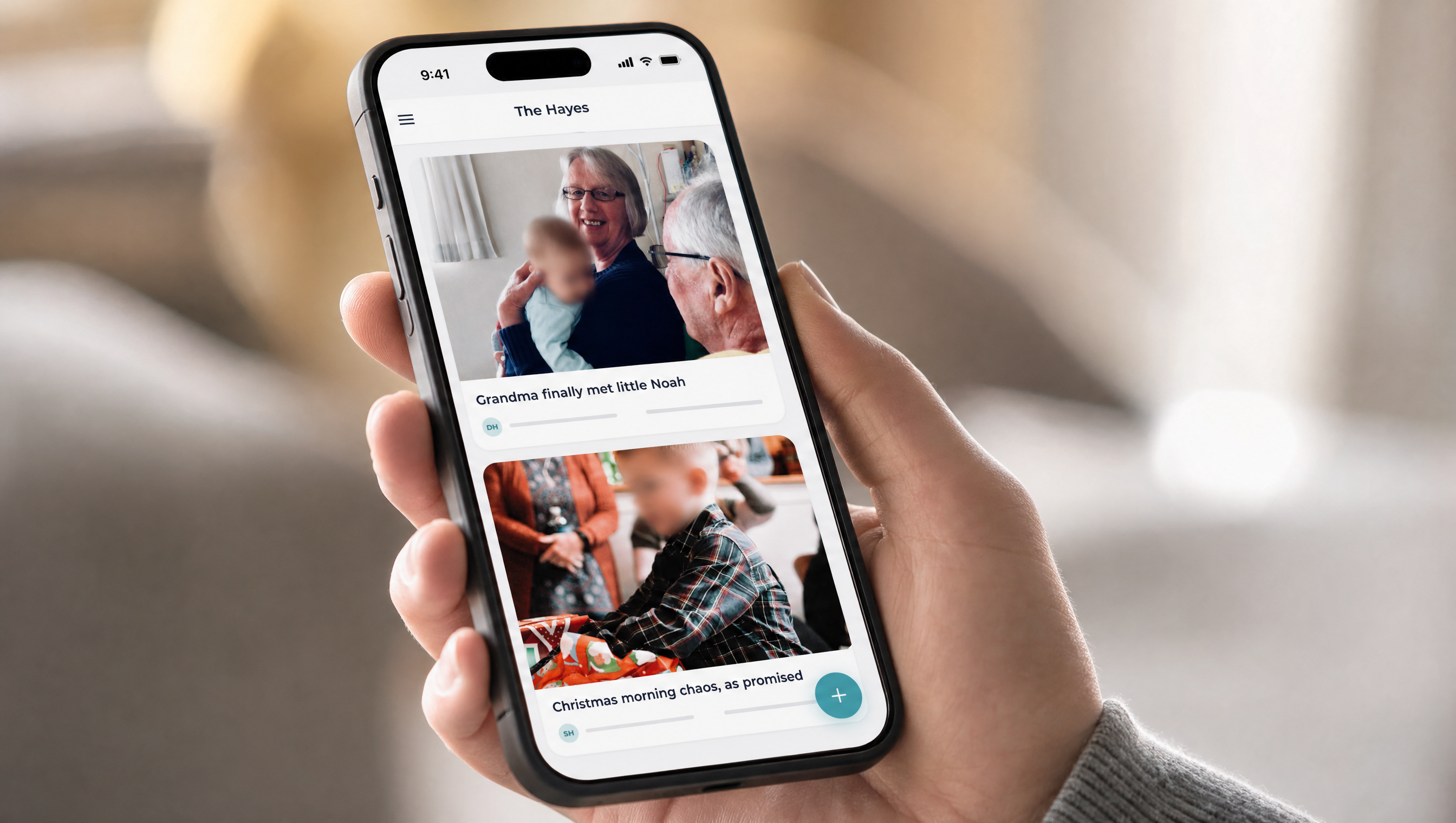
That is the actual design behind Kinfeed. It is built around one job: a private, ad-free photo feed for one family, nothing else competing for the same screen. If you have not seen how the everyday version of that looks, the app is the simplest way to check.
The honest trade-off
None of this makes WhatsApp or iCloud bad products. They are excellent at what they were built for. The trade-off is real too: a dedicated family app is one more thing to install, and getting relatives to move their habits takes a small push.
In exchange, photos stay full quality. Nobody’s memories get buried under group chat logistics. There is no ad business quietly learning from your kids’ faces. For families who have already felt the iCloud storage bill, or watched a few years of photos vanish into a WhatsApp scroll, that trade tends to look easy. We wrote more about why a plain, dated feed beats an algorithm in this piece on chronological photo feeds.
FAQ
What is the best private family photo sharing app?
The best one is whichever app your specific family will actually keep using, but look for full-resolution photos, no ads, no algorithm sorting your feed, and a simple flat cost per family rather than per person. Kinfeed was built around exactly that list.
Why do WhatsApp photos look worse than the original?
WhatsApp compresses images automatically when you send them, to save data and speed up delivery. Each time a photo gets forwarded again, it gets compressed again, which is why an often-shared photo can end up visibly blurry.
Can I share family photos across iPhone and Android easily?
Not smoothly with iCloud, which is built around Apple devices and pushes non-Apple relatives to an awkward browser view. A cross-platform app built for both operating systems, rather than one extended from a single ecosystem, avoids that gap entirely.